TI-59 emulator for Mac, iPhone and iPad
Calc-U 59
Calc-U 59 is a TI-59, TI-58 and TI-58C emulator for macOS, iPhone and iPad. It runs the original Texas Instruments ROM, reads and writes virtual magnetic cards, emulates the PC-100C printer and all fourteen Solid State Software modules, and includes a CPU-level debugger. You can try it in your browser before you install anything.
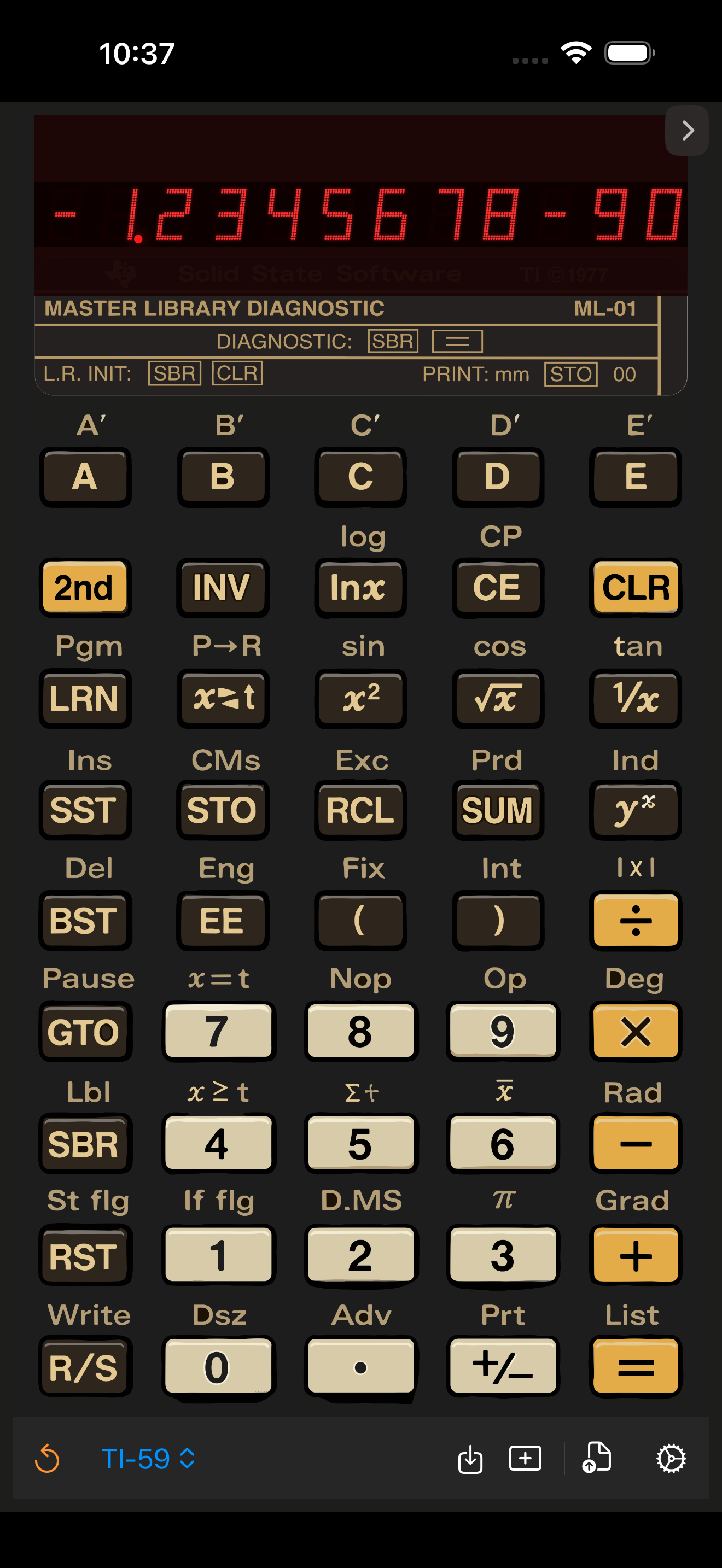
iPhone and iPad
Install from the App Store, then open the app and pick a model. Presets load from the file picker inside the app.
Mac
Download the release from GitHub, drag the app to Applications, then use right-click Open the first time if macOS blocks it.
Where to start
Installing on iPhone and iPad
Installing on Mac
Loading a preset
Using the debugger
Printer and card reader
FAQ
What Calc-U 59 emulates
Calc-U 59 emulates the TI Programmable 59 that Texas Instruments introduced in 1977, along with its two smaller siblings, the TI-58 and the constant-memory TI-58C. It is not a reimplementation of the maths in Swift: the app runs the calculators' original ROM through an emulated TMC0501 processor, so AOS precedence, the 13-digit internal precision, the flashing overflow display and the documented quirks all behave the way the hardware did.
- Switchable TI-59 / TI-58 / TI-58C models, with the correct memory partition and startup state for each.
- All fourteen Solid State Software library modules, from the Master Library to the RPN Simulator — see the full list.
- Magnetic cards read and written as files, synced between your devices over iCloud.
- The PC-100C thermal printer, in both a dot-matrix view and a copyable text view.
- A CPU-level debugger with a live program listing, a ROM instruction trace, and binary trace capture for offline analysis.
- Plain-text .ti59 preset files that carry a program, the registers, a cue card and a module selection in one readable file.
New to these machines, or trying to work out which model you owned? Start with the background on the TI-59 and TI-58 →
Available now
The Mac build ships free from GitHub Releases. The iPhone and iPad build is on the App Store. The source code is on GitHub.